Phone first
The app opens straight into the playable game and keeps the controls touch-friendly.
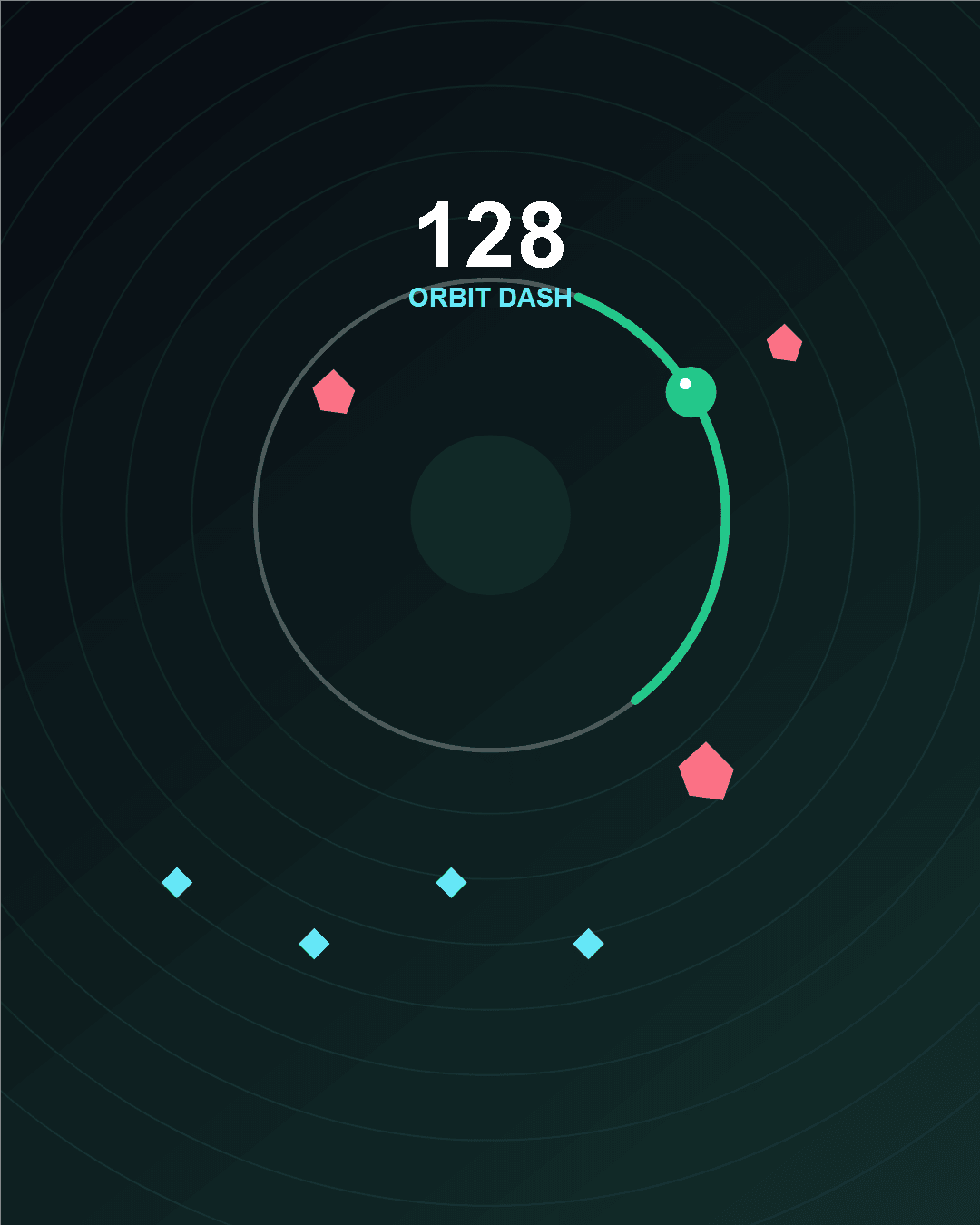
Android app prep
Orbit Dash is live on the web and can be added to your Android home screen on supported browsers. The installed web app opens quickly and keeps the one-tap arcade loop ready for short sessions.
Release status
This page helps players choose the current way to play. The browser version is available now, and supported Android browsers can install it as a home-screen app. A Google Play release is being prepared separately after testing.
Browser version is live
Installable mobile app mode works on supported browsers
Game progress stays on your device
Privacy and contact pages are connected
Google Play release preparation is ongoing
The app opens straight into the playable game and keeps the controls touch-friendly.
Icons, screenshots, privacy text, and listing copy are ready to keep improving.
The public privacy page and support email are linked before the app submission step.
Android install notes
Visit playorbitdash.com on your phone and open the browser menu. If your browser supports installation, choose Install app or Add to Home screen.
Your best score, selected skin, sound setting, and daily progress are stored locally, so they stay with the browser or installed web app data.
The web game is the live version today. The Google Play package will use the same core game loop after testing is complete.
Store screenshots
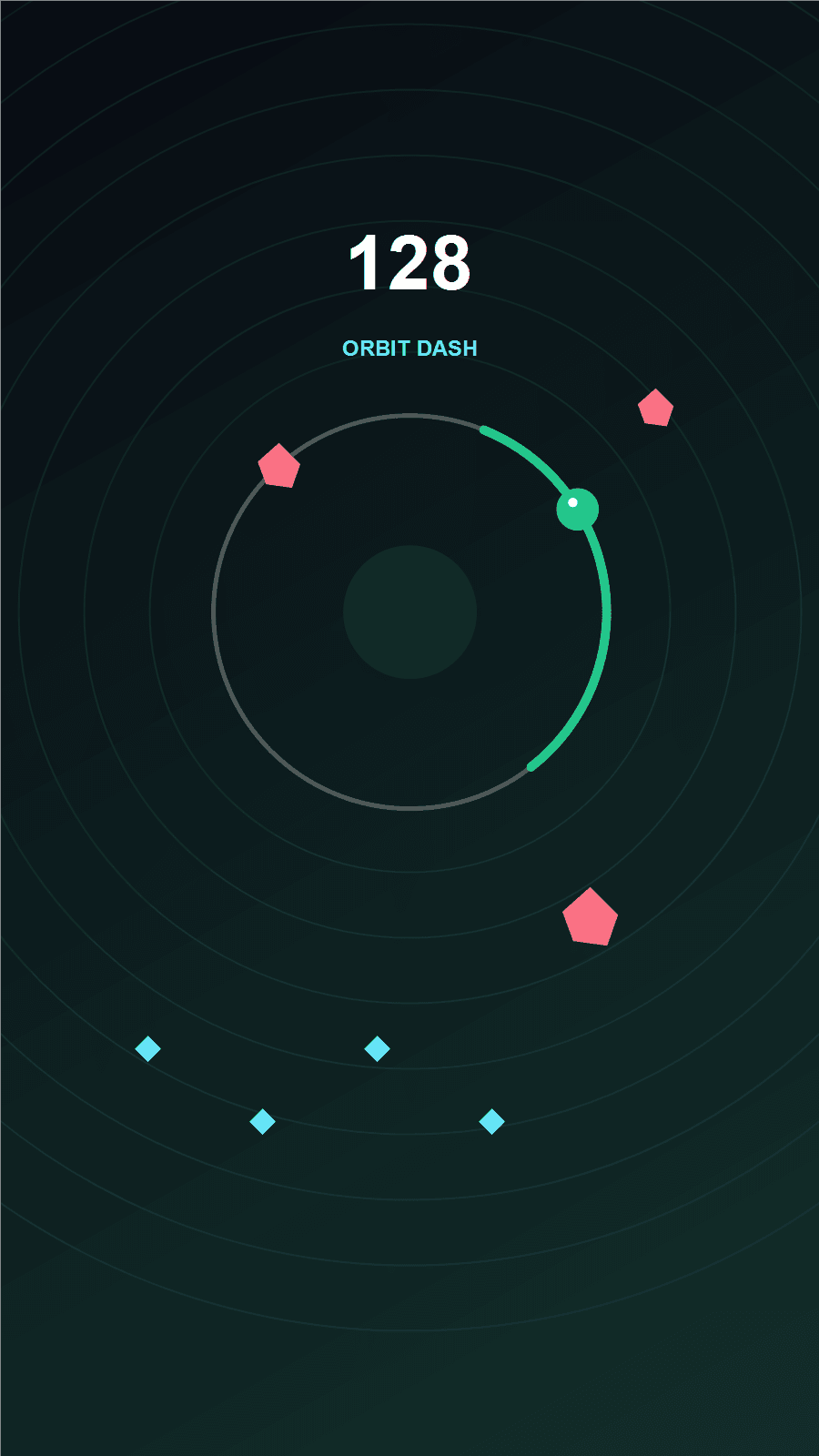
Portrait play tuned for quick arcade runs.
Fast orbit movement, shards, energy, and score chasing.
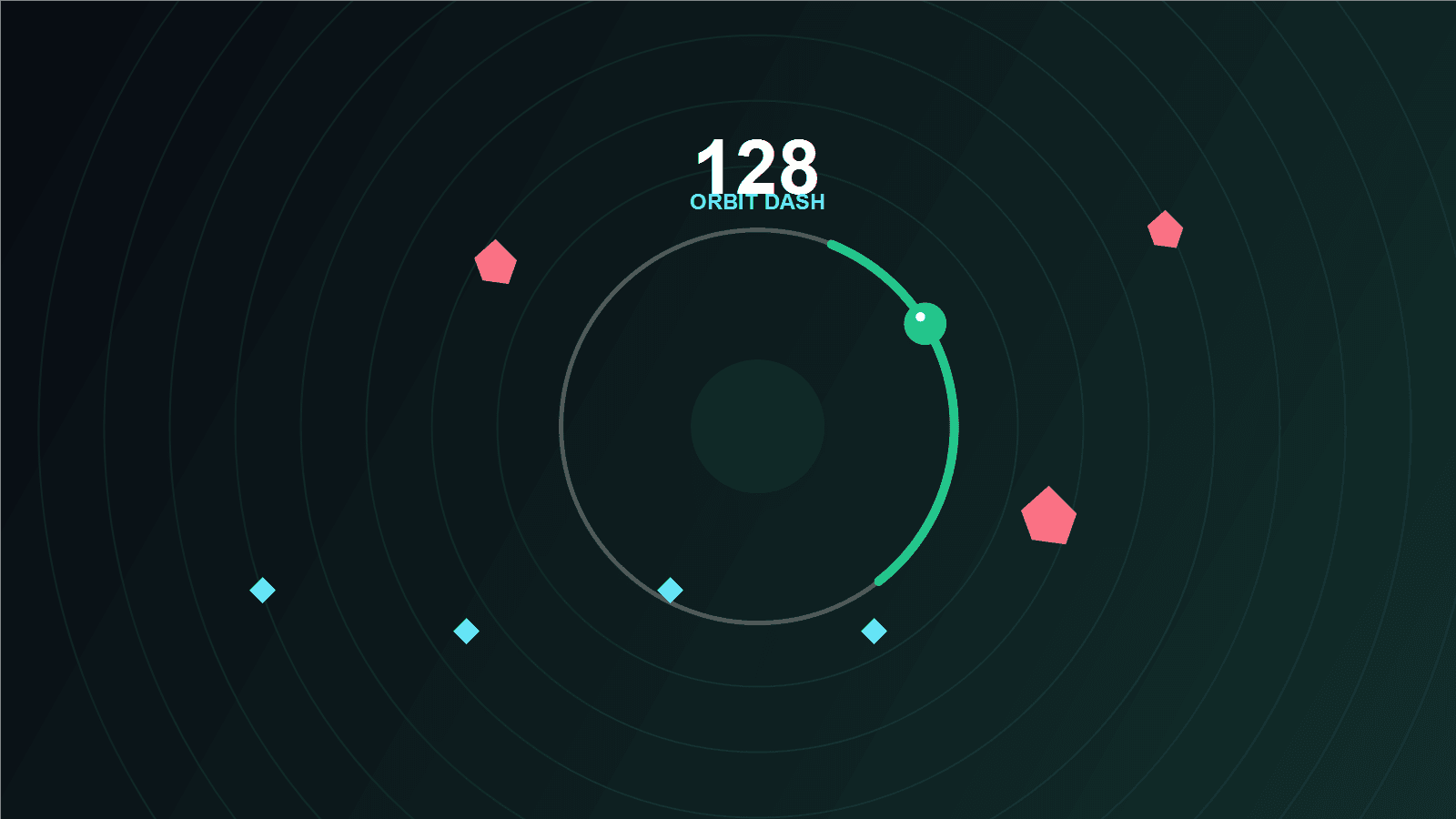
Clean visuals built around the core Orbit Dash loop.